Arrow UpBack

Ring Help

Help Resources

  • Home

    Ring Help Home

    Arrow Up
  • Wifi Help

    Arrow Up
  • Ring Protect

    Arrow Up
  • Ring App Help

    Arrow Up
  • Power & Battery Help

    Arrow Up
  • All Categories

    Arrow Up
Arrow UpBack

Accessories

Get to know the accessories available for your Ring devices, including Chime Pro.

Some Ring product names have changed

Review the Ring product name changes article for a complete list of before-and-after updates.

Select Device

Show More

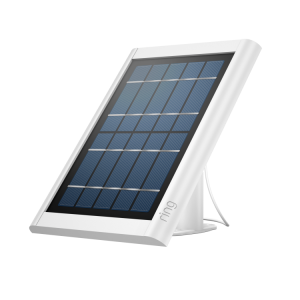
  • Solar Panel - Transparent Product Image

    Solar Panels

    Arrow Up
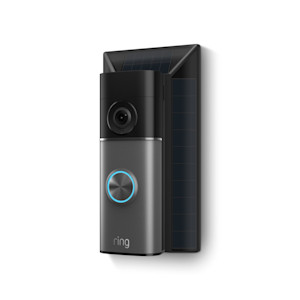
  • Solar Doorbell Charger for Battery Doorbells (2026 model) - Product image

    Solar Chargers - Doorbells

    Arrow Up
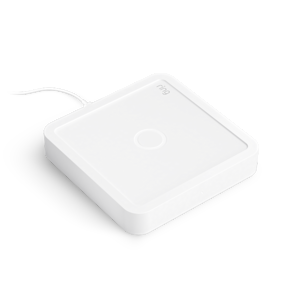
  • Alarm - Power Pack - Transparent Product Image

    Ring Power Pack

    Arrow Up
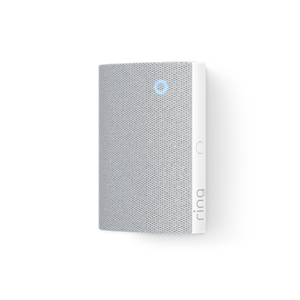
  • Chime Basic (Product Image)

    Chime (3rd Gen)

    Arrow Up
  • INTERNAL - Chime Plus

    Chime Plus

    Standard power outlet

    Arrow Up

Related Articles

  • Image showing the Sump Pump Monitor installed in a basement area.

    Installing Ring Sump Pump Monitor

    Arrow Up
  • Troubleshooting battery performance

    Help extend the longevity of your camera and doorbell batteries.

    Arrow Up
  • Safety and Compliance Information for Chime Plus

    Arrow Up
  • Safety and compliance information for Spare Parts Kit for Spotlight Cam 4K Pro

    Arrow Up
  • Safety and compliance information for Spare Parts Kit for Outdoor Cam 4K Pro

    Arrow Up
  • Installing lens cover for Outdoor Cam 4K Pro

    Arrow Up
  • Installing Plug-In Mount for Floodlight Cams (2nd gen)

    Installation instructions for the Plug-in mount for Cams (2nd gen)

    Arrow Up
  • Installing Solar Charger for Battery Doorbells (2026)

    Arrow Up
  • Installing Solar Panel for Battery Doorbell 2K

    Arrow Up
  • Installing Ring Air Quality Monitor

    Arrow Up
  • 1
  • 2
  • 3
  • Next Arrow Up
  • 1
  • 2
  • 3
  • Next Arrow Up
English (US)Change
©2026 Ring LLC or its affiliates
|
Privacy
|
Licenses
|
Terms of Service